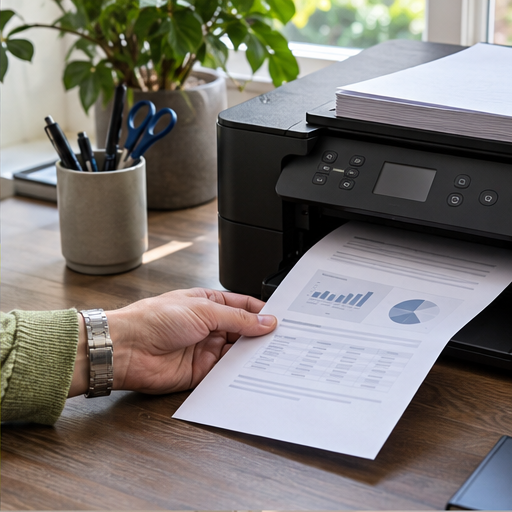
Print on Both Sides Without an Upside-Down Back Page
Choose the binding edge and run a two-page arrow test before printing a long double-sided document.
Step-by-step tech fixes for Windows, Wi-Fi, printers, phones, CCTV and business IT.
Choose the binding edge and run a two-page arrow test before printing a long double-sided document.
Use Actual size, check printer paper settings and measure a calibration line before printing a full batch.
Use Acrobat thumbnails and print preview to select the right extract when the PDF includes a cover or unnumbered pages.
Set Excel print titles and check page two so readers can identify every column on a paper report.
Keep the last column on the printed page while allowing a long Excel report to continue across multiple sheets.
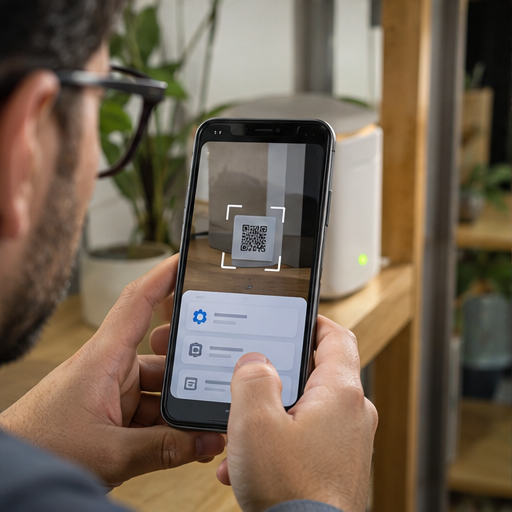
Send a nearby file, check the recipient and diagnose a stalled Android Quick Share transfer with a small test photo.
Compare app size with documents and data before offloading an iPhone app, deleting it or removing offline downloads.
Match Android app data usage to the carrier billing cycle and check which background downloads are worth restricting.
Use Google Drive’s Android scanner to preserve small totals, crop receipts and save each PDF to the right account.
Capture a whole form in one iPhone scan, check page order and export a single PDF attachment.

Compare wired and wireless connections on the same laptop to narrow a fault before resetting network equipment.
Set a hotspot as metered and use a short idle test to discover which transfers are consuming your phone allowance.