Printer Prints Blank Pages? Test the Printer First
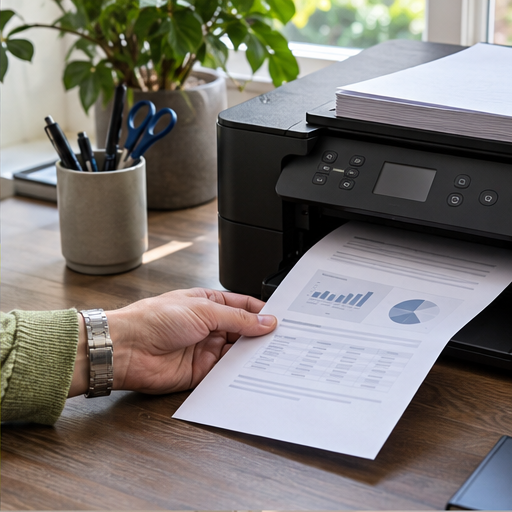
Use the printer's own test page to distinguish hardware or cartridge faults from a Windows driver or document problem.
Step-by-step tech fixes for Windows, Wi-Fi, printers, phones, CCTV and business IT.
Use the printer's own test page to distinguish hardware or cartridge faults from a Windows driver or document problem.
Choose the binding edge and run a two-page arrow test before printing a long double-sided document.
Use Actual size, check printer paper settings and measure a calibration line before printing a full batch.
Use Acrobat thumbnails and print preview to select the right extract when the PDF includes a cover or unnumbered pages.
Set Excel print titles and check page two so readers can identify every column on a paper report.
Keep the last column on the printed page while allowing a long Excel report to continue across multiple sheets.

Use a printer status page, a Windows test page and one small document to locate a printing fault without flooding the queue.