Smart Device Won’t Join Wi-Fi? Check 2.4 GHz First
Many smart plugs and cameras require 2.4 GHz Wi-Fi. Check the device specifications, router bands and setup phone before resetting the network.
Step-by-step tech fixes for Windows, Wi-Fi, printers, phones, CCTV and business IT.
Many smart plugs and cameras require 2.4 GHz Wi-Fi. Check the device specifications, router bands and setup phone before resetting the network.
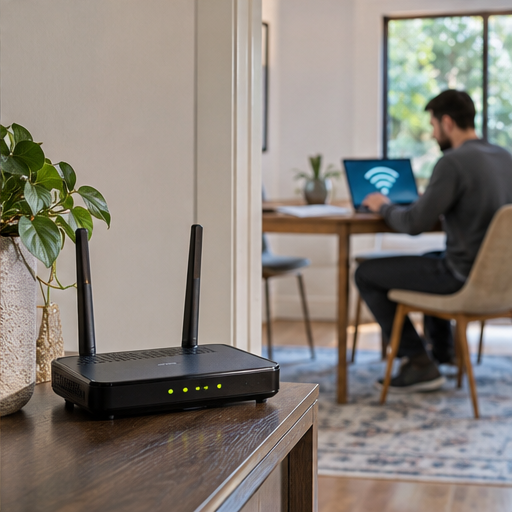
Wi-Fi can connect without providing internet. Compare devices, test websites and check the router before resetting anything.
Compare wired and wireless connections on the same laptop to narrow a fault before resetting network equipment.
Set a hotspot as metered and use a short idle test to discover which transfers are consuming your phone allowance.
Find the network security key for an authorized Windows connection and check whether the password belongs to the current router.
Match a dropped call to its wireless session and read the disconnect reason in the Windows Wi-Fi report.
Map a wireless dead spot with a doorway test, compare bands and find a better spot for a router or mesh unit.
Can’t connect your Windows laptop to Wi‑Fi? Try these seven checks to find out whether the problem is your laptop, router, or internet connection.